In order to share the access of your developer account, you must sign up for an Apple Developer Enterprise Program. If you sign up as an individual or small business owner, the access you assign to other users will not be enough to make any change to your developer account. Compare the memberships that Apple offers here.
Follow the steps below to share access to your Apple developer account:
1. Login to App Store Connect.
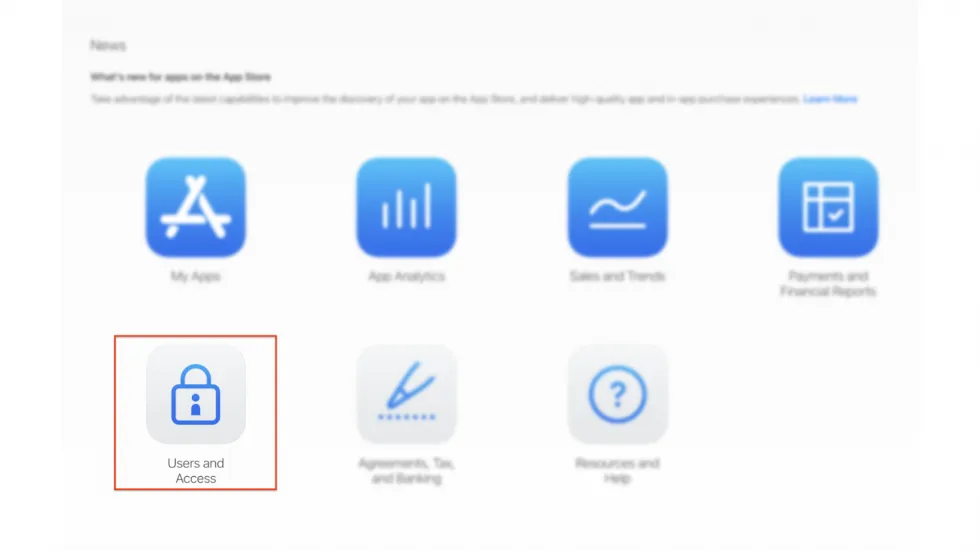
2. Open the Users and Access screen.
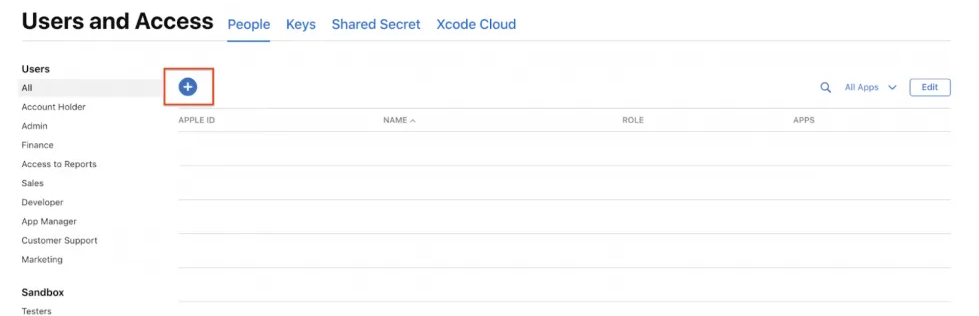
3. Click on the + icon and enter the details of the user you wish to invite under New User.
4. Choose either Admin as the role of the user you’re inviting.
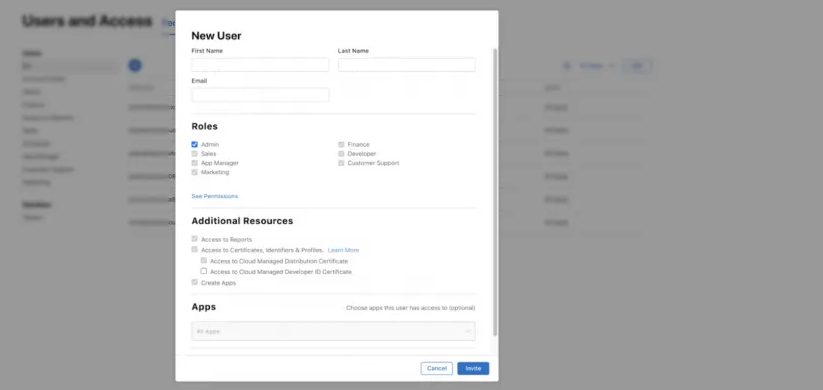
5. Select the checkbox “Access to Cloud Managed Developer ID Certificate”
Select Invite. An email will be sent to the address you mentioned earlier.